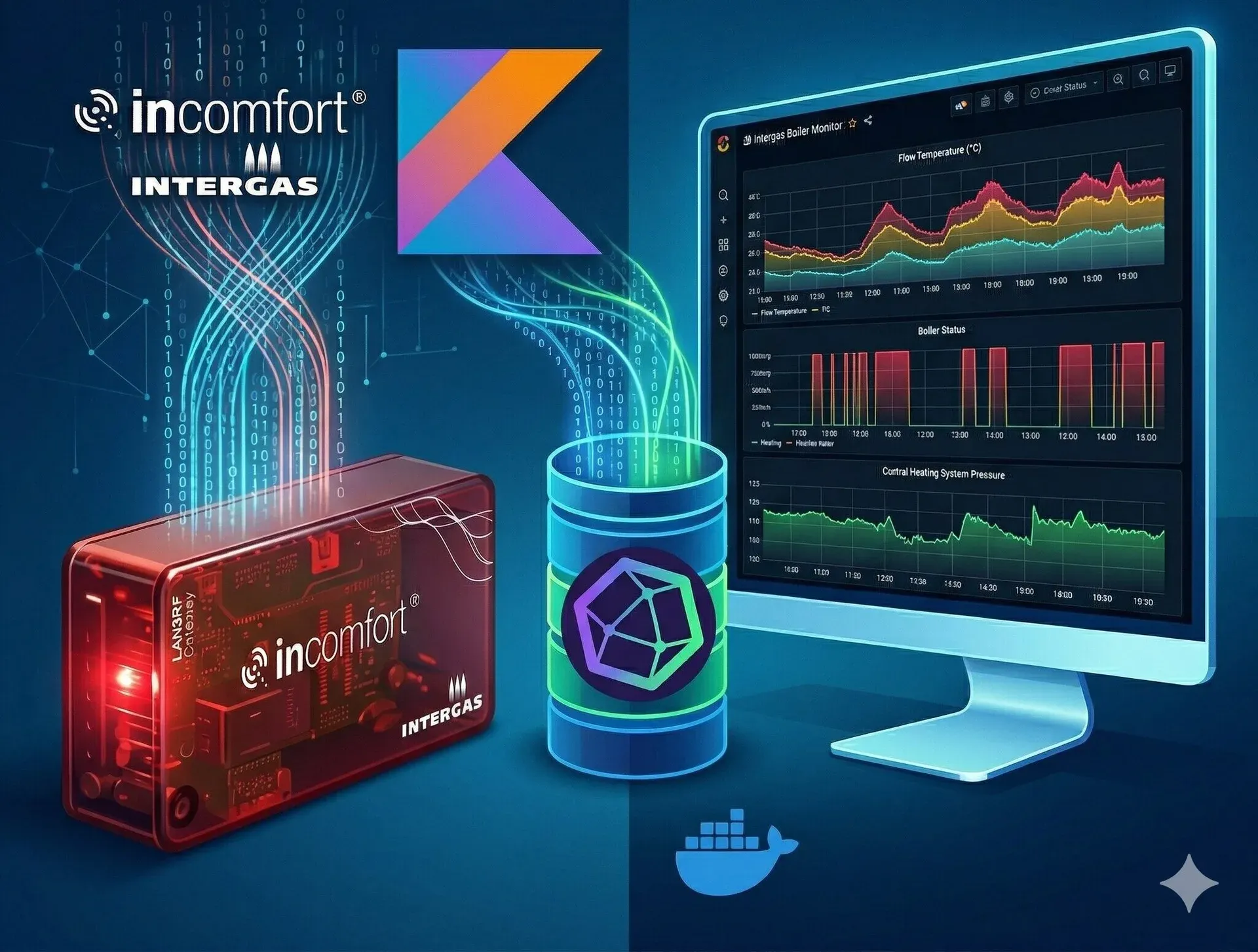
I’ve always wanted more visibility into what our Intergas boiler is actually doing. When is the burner firing? What’s the flow temperature? Is the pump running? How’s the water pressure looking? The boiler’s built-in display shows some of this, but I wanted historical data I could graph and correlate with the indoor temperature data I already capture from our Honeywell Evohome system.
I discovered that Intergas sell a “LAN2RF” gateway — a small device that plugs directly into the boiler’s control board and exposes its internal telemetry over your local network. Once connected, the gateway serves a simple JSON endpoint containing a wealth of real-time data about the boiler’s state. That was all the invitation I needed to build something around it.
What data does the LAN2RF expose?
Quite a lot, as it turns out. The JSON payload includes:
- Temperatures — central heating flow, tap water, and up to two room thermostats (with their current readings, setpoints, and any temporary overrides).
- Pressure — the water pressure in the central heating circuit.
- Operational status — boolean flags for whether the burner is active, the pump is running, the tap (hot water) function is active, and whether the boiler is in a lockout state.
- Display status — the human-readable status text shown on the boiler’s display (e.g. “Standby”, “Central heating”).
Having all of this in a time-series database means I can answer questions like “how often does the boiler fire overnight?” or “what does the flow temperature profile look like during a heating cycle?” — things that would be impossible to determine from the boiler’s display alone.
The application
I built the application, which I’ve named lan2rf-stats-gateway, in Kotlin using Micronaut. Micronaut’s declarative HTTP client made interacting with the LAN2RF gateway’s JSON endpoint very straightforward — you essentially define an interface and Micronaut handles the rest. The application polls the gateway at a configurable interval (defaulting to every 30 seconds) and publishes the measurements to InfluxDB 2.x.
Under the hood, the app uses Kotlin coroutines with Reactor for the polling subscription, and the InfluxDB Kotlin client for writes. The architecture is fairly simple: LAN2RFClient fetches the raw data, IntergasService transforms it into typed measurement objects, and StatusDataPublisher writes them to InfluxDB.
Measurement types
The data is published to InfluxDB as four distinct measurement types, each with appropriate tags for filtering:
Temperature— tagged by location (central_heating,tap,room1,room2) and type (RECORDED,SETPOINT,SETPOINT_OVERRIDE).Pressure— central heating circuit water pressure.OperationalStatus— boolean states forBURNER_ACTIVE,PUMP_ACTIVE,TAP_FUNCTION_ACTIVE, andLOCKED_OUT.TextStatus— the boiler’s display status code as a string.
Room names default to room1 and room2 but can be overridden via environment variables, and you can selectively disable measurement groups (boiler, room1, room2) if you don’t need them all.
Error resilience
One thing I learned early on is that the LAN2RF gateway can be a bit flaky — it occasionally drops connections or takes too long to respond. The application handles this gracefully, logging the error and continuing to poll on the next interval rather than crashing. Similarly, transient InfluxDB write failures are caught and logged without bringing down the polling loop.
Health check
The application exposes a health check endpoint (via Micronaut Management) that includes a custom indicator showing whether the LAN2RF data subscription is still active. This is handy for container orchestration — if the subscription dies for some reason, the health check will reflect that.
GraalVM native image
When I built my influxdb-weather-ingestor (a similar utility for capturing outdoor temperature data), I wasn’t able to compile it as a GraalVM native image due to issues with static linking and the InfluxDB Kotlin client’s use of reflection.
I’m pleased to say that I eventually cracked it with lan2rf-gateway-stats. The key was adding the necessary reflection configuration so that GraalVM’s ahead-of-time compiler could handle the InfluxDB client’s runtime reflection. The Docker image is now built as a native binary, which means significantly faster startup times and lower memory usage — both important when you’re running this sort of thing on a home server alongside many other containers.
Getting started
The application is published as a Docker image on Docker Hub: eddgrant/lan2rf-gateway-stats.
Running it is straightforward — you just need to point it at your LAN2RF gateway and an InfluxDB instance:
docker run --rm \
  --env LAN2RF_CHECK_INTERVAL=30s \
  --env LAN2RF_URL="http://<your-lan2rf-ip>" \
  --env INFLUXDB_ORG="my-influxdb-org" \
  --env INFLUXDB_BUCKET="intergas" \
  --env INFLUXDB_TOKEN="my-influxdb-token" \
  --env INFLUXDB_URL="http://<your-influxdb-host>:8086" \
    eddgrant/lan2rf-gateway-stats:latest
The README has full details on configuration options, example Flux queries for InfluxDB, and debugging tips.
Source code is in the eddgrant/lan2rf-gateway-stats repository.
Feedback
Please leave a reaction or comment below to let me know if you’ve found this useful or interesting. I’d love to know if anyone else has an Intergas boiler with a LAN2RF gateway, or if you’ve built something similar for a different boiler.
Cheers!
Edd

Enjoyed this? I write this blog for the fun of it — but if a post saved you some time or head-scratching, you can buy me a coffee. It’s about the price of, well, a coffee, takes 20 seconds, and needs no account. It genuinely makes my day.
A handful of lovely readers have already bought me a coffee — thank you, each one's a real treat. ☕